

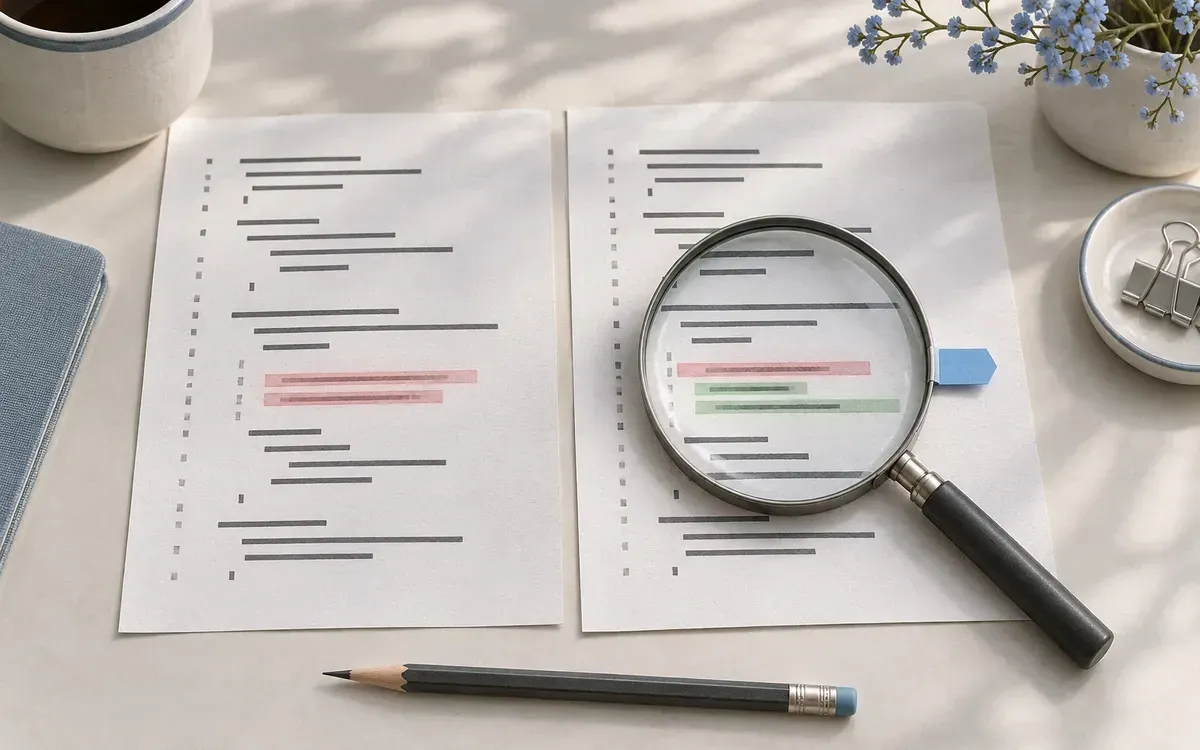
Open the complete diff, compare the change with the original requirement, and inspect the tests and their actual results before accepting AI-generated code. Check the surrounding code as well as the edited lines. I’d request changes whenever I can’t explain why a modified file belongs in the task or what evidence supports the proposed behavior.
Start with a requirement and a recoverable baseline
Write down the behavior the change must produce and the behavior it must preserve. For a menu fix, that might mean “the menu opens on a narrow screen, closes with Escape, and remains usable from the keyboard.” A response saying “fixed the menu” doesn’t establish any of those conditions.
Keep the original request beside the code. If the request itself is ambiguous, resolve that first; the brief for an AI coding assistant shows how to state the task and its constraints before asking for implementation.
Stop the agent’s active editing request and check for background tasks that could still change the files. Record the branch and commit being reviewed, or a saved snapshot if the changes are still uncommitted. Use the project’s normal backup or version-control process to preserve your existing work, including new files. Don’t commit credentials or private data as a shortcut to making a backup.
Establish which edits were present before the agent started. If a file mixes your work with the agent’s changes, separate the relevant lines during review. Don’t use Undo All or Discard All to remove a small unwanted change: those actions can remove work you wanted to keep. VS Code’s discard guidance warns that recovery isn’t guaranteed.
If the agent also changed an external service, inspect that action separately. Restoring files won’t reverse a completed deployment or database operation. VS Code distinguishes file checkpoints from external-service recovery; use the affected service’s approved recovery process with its owner.
Review the whole change set
Start with the repository’s changed-file inventory, then open each relevant diff. Include added, deleted, renamed, and untracked files, plus configuration, dependency manifests, lockfiles, tests, and generated output. Ask why each file changed. A formatting rewrite can make a small behavioral change much harder to inspect; request a smaller, focused patch if you can’t review the combined change confidently.
The chat summary and pending-edit list can help you find the work, but neither establishes the complete inventory. VS Code documents that its working set tracks supported edit tools; changes made through terminal commands, scripts, or other tools can sit outside that list.
In a Git folder in VS Code, open Source Control and inspect both Changes and Staged Changes. The same file can appear in both groups. The diff comparison depends on the group: Changes compares the staged version with the working file; Staged Changes compares the current commit with the staged version. With no staged edits, the staged version matches the current commit. Open new, untracked files too: they have no earlier tracked version to compare.

Review both groups before deciding what the final change should contain. If you stage a file and then edit it again, the later edit hasn’t entered that staged snapshot. Testing the working files and reviewing only the staged version can therefore concern different code.
For supported Copilot working-set edits, the changed files are already saved to disk. Keep clears the pending-review state; it doesn’t stage or commit the code. Other VS Code agent setups use diff review instead. Accepting an editor change, committing, and merging are separate decisions. In a pull request, review the full branch diff against its intended base and note the current commit.
Trace what the changed code can affect
Read enough surrounding code to understand the inputs, outputs, callers, and failure paths. Follow a changed shared helper to its other callers. Check whether the project already has a function or pattern that solves the same problem. A self-contained replacement may discard behavior that the original helper provided elsewhere.
Make sure you can explain the changed flow and why its structure fits the project. Ask for clearer names or a simpler structure when the code is difficult to follow. Tie that request to a maintenance problem, such as duplicated rules that could drift apart; a different style alone doesn’t establish a defect.
Map each requirement to the implementation. Look for conditions that disappeared, defaults that changed, errors that are swallowed, or a new dependency introduced for a small task. GitHub’s dependency review guidance recommends verifying that suggested packages exist and checking their origin and maintenance. Confirm APIs in the documentation for the version the project uses; a plausible function name isn’t proof that the API exists.
Here’s a constructed review example, not a record of a software run. A patch fixes the menu’s click handler, removes the Escape-key handler, and deletes the corresponding keyboard assertion. The click behavior may now match the request, but the patch violates the requirement to preserve keyboard operation.
Request changes: The menu must still close with Escape. The patch removes that handler from the menu component and removes the Escape assertion from the menu test. Restore the behavior and its check, then provide the result for the revised files.
The useful comment identifies the changed behavior, its consequence, and the requested correction. “Improve accessibility” would leave the author guessing what to fix.
Give extra attention to permission checks, user-controlled inputs, data leaving the application, payment behavior, and destructive database changes. The Cloud Security Alliance’s discussion of missing security controls in generated code highlights omitted validation and access checks. For a changed data endpoint, trace who can call it, which record they can access, and where that permission is enforced. Route authentication, billing, migration, or sensitive-data changes to the responsible maintainer. A reviewer who can’t explain those paths should request that review before accepting the patch.
Package the review evidence before deciding
Keep one review note with the requirement, baseline revision, current revision, changed files, relevant callers, checks actually run, and unresolved context. For each finding, record the file or changed block, the failure scenario, and the evidence that supports it. This makes “request changes” a reproducible decision rather than a reaction to a summary.
Use three dispositions for each requirement: accept when the implementation and applicable checks support it, request changes for a confirmed defect, and needs further review when a required path or environment was unavailable. A skipped test or inaccessible dependency stays visible in the note; it never becomes a pass because the agent predicted success.
Read the checks before trusting their result
Inspect changed commands, package scripts, hooks, dependencies, and test setup before running anything. Use an authorized development environment and the project’s established checks. VS Code’s AI security guidance calls for reviewing executable configuration and the actual validation output. Don’t run an unfamiliar “verification” command against production or grant extra access just because the agent recommends it.
Open the test changes themselves. Check that the assertions express the required behavior, including the case that prompted the change. Look for deleted tests, new skips, weakened assertions, and mocks that replace the function whose behavior the test is meant to verify. GitHub specifically flags deleted or skipped failing tests; thoughtbot’s review of AI-generated pull requests also points out that tests can stub the implementation they should be exercising.
For the menu example, inspect whether the test still checks opening and closing through the intended controls. A test that checks only that a menu element exists won’t establish that Escape closes it. Decide which failure or edge paths matter from the requirement and the code: an empty input, a denied request, a retry, or an absent optional value may change the decision.
Use the existing build, type, lint, test, and security checks that apply to the changed code. Read their output and scope. Record what ran, which version of the files it used, and whether it passed, failed, skipped work, or couldn’t run. A green result from an earlier commit doesn’t verify later edits. A test command that selected no relevant tests leaves that behavior unchecked.
If a check fails, determine whether the patch caused the failure or whether there’s evidence of a pre-existing problem. Keep unresolved failures visible. When a check needs an unavailable service or approved credential, record the missing check and arrange the appropriate reviewer or environment; don’t replace the result with the agent’s prediction.
Make a scoped decision and review revisions
Ask the assistant for a second reading when it helps locate an issue. Keep that request within your organization’s rules for sharing code, and use read-only controls where your tool supports them. A prompt describes the task; it doesn’t enforce permissions.
Review the current complete change set without editing files,
running commands, installing packages, or taking external actions.

Requirement and constraints: [paste the agreed requirement]
Review baseline/current revision: [identify both]
Existing edits to preserve: [identify them]
Available context: [approved files, callers, project conventions]
Validation evidence: [actual output and the revision it covers]

Inspect the diff and relevant surrounding code. For each actionable
finding, give the file and line or changed block, the concrete
failure scenario, supporting evidence, and a focused correction.
Check unrelated edits, changed dependencies/configuration, removed
behavior, deleted or skipped tests, weakened assertions, and mocks
that bypass the behavior under test.

Separate confirmed findings from questions. State context you
couldn't inspect and checks that haven't run. Don't invent test
results or infer that missing evidence means success. Do not
approve, merge, deploy, or fix the change.
Verify each finding in the files yourself. Dismiss an incorrect suggestion with a reason; request missing context when the question can’t be resolved. The same assistant’s reassurance doesn’t substitute for a maintainer who understands the affected system.
I’d keep the final note short enough that another reviewer can see the basis for the decision: the requirement, baseline and reviewed revision, changed areas, actual checks and results, remaining questions, and the decision. Use request changes for a concrete defect and needs further review for a material unknown. Accept the reviewed change only when the requirement, preserved behavior, and applicable checks support that decision and required maintainers have reviewed the sensitive parts.
After a correction, inspect the new diff, the surrounding paths it affects, and the relevant checks again. If the tested files differ from the final staged or proposed files, reconcile that difference before proceeding. Then follow the project’s normal commit and merge process; approval of this change doesn’t authorize a deployment.