

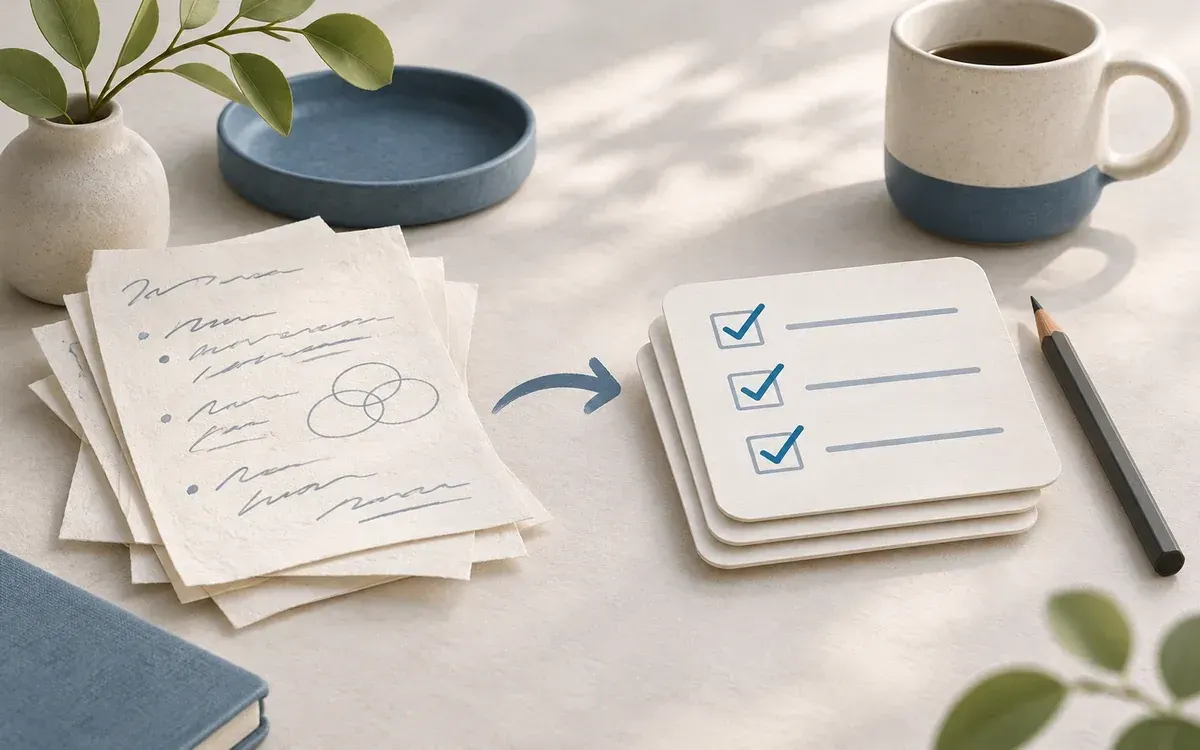
Ask the assistant to separate decisions, actions, and unresolved questions in the notes you provide. Require an owner and a deadline only when the notes name them. A missing owner should stay visible: the people in the meeting still need to agree who will do the work.
Use notes you're allowed to share
Check your workplace's rules before adding meeting notes to an external service. Remove sensitive details that the task doesn't need, or use a tool your organization has approved. This workflow starts with written notes; it doesn't require recording a meeting or sending messages to participants.
Clean up obvious transcription errors that change names or dates. Keep the meeting date with the notes so that phrases such as “next Friday” have a reference point. If you can't establish the intended date, preserve the uncertainty.
Give the extraction a clear format
Separating the instructions from the material to analyze follows the context and instruction structure in OpenAI's prompting guidance. This example asks for an action list without authorizing any action.
Read the meeting notes below.
Return three sections: Decisions, Actions, Open questions.
For each action, include the task, owner, and deadline.
Use "Not assigned" or "Not specified" when a detail is absent.
Keep proposals separate from agreed decisions.
Include a short supporting quotation for each action.
Don't send messages, create tasks, or change a calendar.

Meeting date: [date]
Notes:
[Paste approved notes here]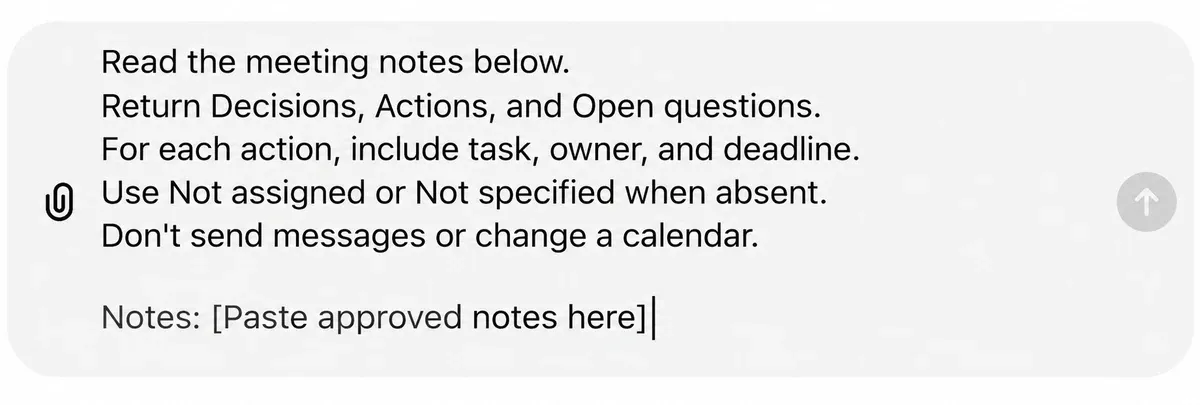
You can ask for a table if you'll paste the result into a tracker. For a short meeting, a plain list may be easier to read. Choose the format that fits the next step instead of requesting a long meeting report by default.
Check agreement before assigning work
Compare each action with its supporting passage. “Maya could ask the supplier” is a suggestion; “Maya will ask the supplier by Thursday” is an assignment. Check that a tentative date hasn't become a commitment.
If the assistant combines two actions, separate them so that each can be completed independently. Confirm who owns any unassigned action with the people involved. An empty owner field is a question to resolve, not a formatting error.
Move the checked list into your own workflow
After review, copy the agreed actions into the tracker or document your team uses. Keep a link to the original notes where appropriate. You can ask for a short follow-up email, but review its recipients and commitments before sending it.
Use the same fact-preserving email brief when turning the checked action list into a message. That keeps a second writing pass from quietly changing the decision.