

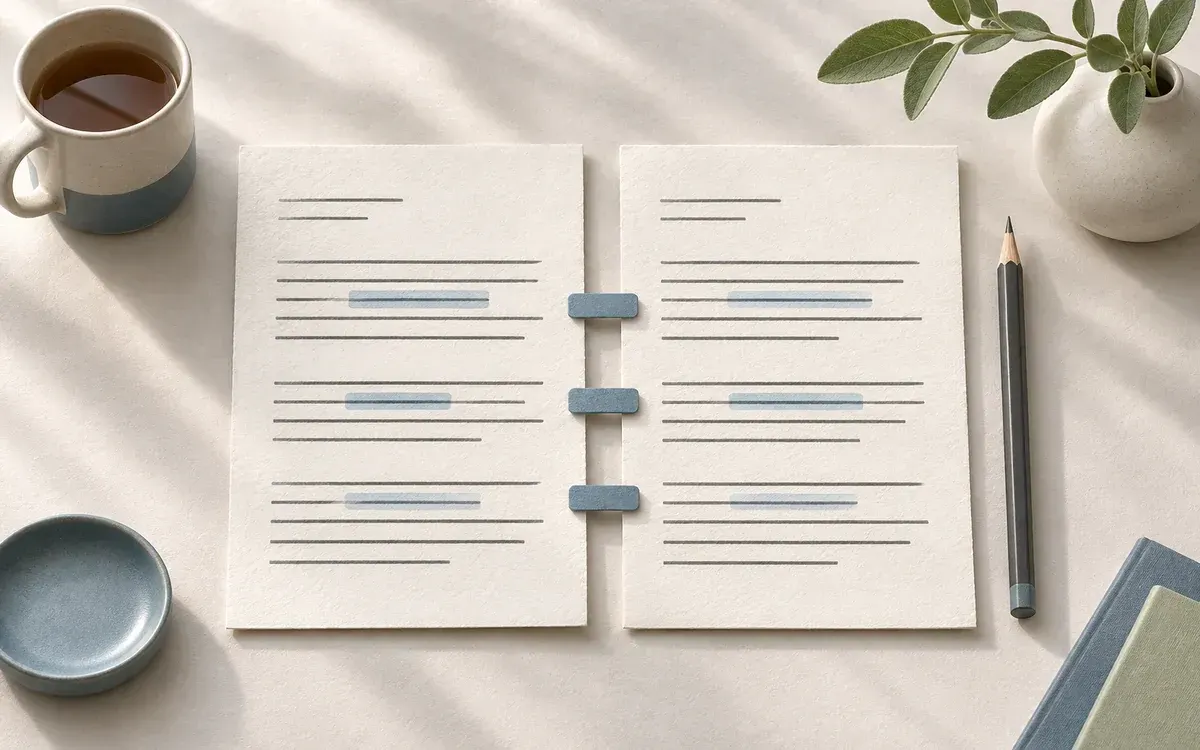
Give the assistant the original email, the change you want, and the facts it must keep. Ask for a rewrite in one pass, then compare names, dates, amounts, and promises with the original before you send it. I'd start with a small edit because a complete rewrite can erase the useful detail along with the awkward wording.
Separate the message from the instructions
Put your instructions first and the email underneath a clear label. Say who will read it and what they should do next. “Make this professional” leaves the assistant guessing whether you want a warmer request, a shorter explanation, or a firmer deadline.
A clear request might be: “Shorten this email to a customer who already knows about the delay. Keep the delivery date and the refund option. End by asking which option they prefer.” Giving the model instructions and relevant context follows the distinction in OpenAI's prompting guidance; you can use the same structure in an ordinary chat.
Try a brief with a few boundaries
This is an example prompt to adapt. Replace the bracketed text with an email you're allowed to share.
Rewrite the email below for a customer.
Make it clear, calm, and shorter.
Keep every name, date, amount, and commitment unchanged.
Don't add apologies, discounts, or promises.
Keep any reply deadline already present.
Return the revised email only.

Original email:
[Paste the email here]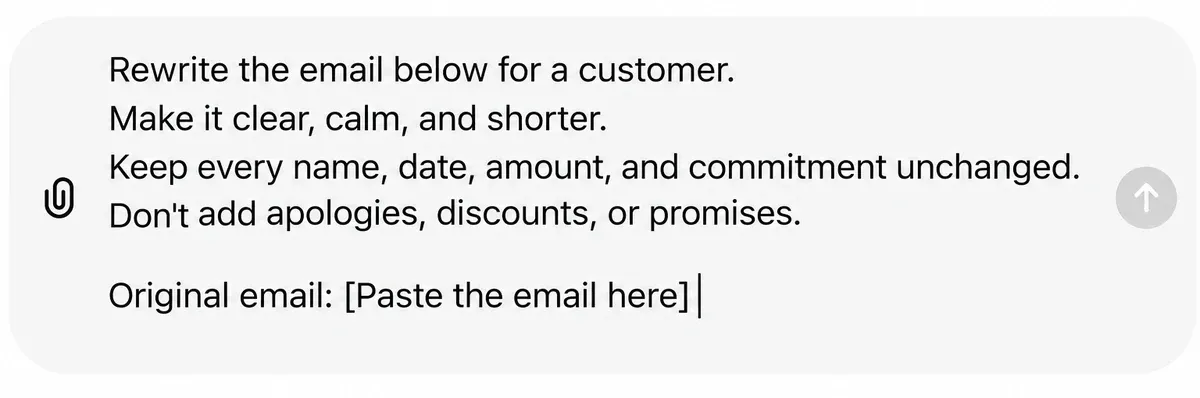
Keep the constraints that matter to your message. If the original email has no deadline, the rewrite shouldn't add one. If the email includes confidential details, use an approved service or remove those details before pasting it.
Read for changes in meaning
Compare the two messages side by side. “We expect to deliver on Tuesday” and “We will deliver on Tuesday” make different commitments. Check that a polite suggestion hasn't become a guarantee, and that the reason for writing is still obvious.
- Are the names, numbers, and dates unchanged?
- Does the reader know what you need from them?
- Would you say these words yourself?
- Has anything important been removed to meet the length request?
If only the opening sounds wrong, ask for a new opening. You don't need another full rewrite. For a less formal result, replace a broad instruction such as “sound human” with something observable: “Use short sentences, keep contractions, and remove the introductory pleasantry.”
Keep the version you can stand behind
Read the final email aloud once. Remove any phrase that sounds unlike you, then check the subject line and recipient in your mail app. The assistant's draft is ready when the message is accurate and the next action is clear.
For a longer document, use the same separation between instructions and source text when you ask for a summary with source checks.