

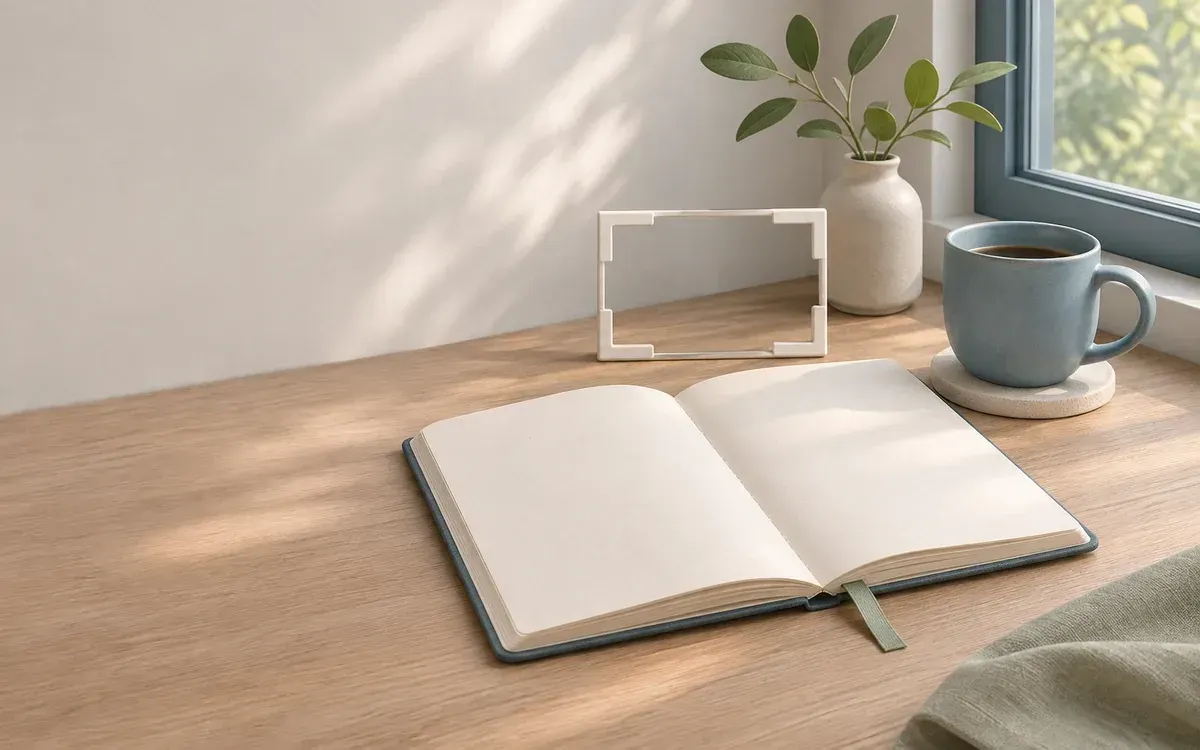
Describe the subject, setting, composition, and light before adding style words. Keep one clear visual idea in the first prompt, then change the detail that is furthest from your intention. I'd settle the composition before chasing texture because a beautiful surface won't fix a subject in the wrong place.
Decide where the image will be used
A blog cover, product photo, and square social image need different framing. Name the use and the shape of the image. If a headline will sit over the picture, say where you need quiet space. Set the actual dimensions or aspect ratio in the tool when it provides that control.
Then describe something visible. “A thoughtful image about productivity” could mean almost anything. “A tidy desk beside a window, with one open notebook and a closed laptop” gives the generator a scene. Adobe's guidance on image prompts recommends descriptive language and details such as style and lighting.
Build a small, usable brief
Adapt this example cover-image brief to your subject and publication size.
Use: a wide cover image for an article about a calmer workday.
Subject: one open notebook and a ceramic cup on a tidy desk.
Setting: a small home office beside a large window.
Composition: desk objects on the right; quiet space on the left.
Light: soft morning daylight.
Colors: muted blue, natural wood, warm white.
Style: realistic editorial photography.
Keep out: text, logos, extra desk objects.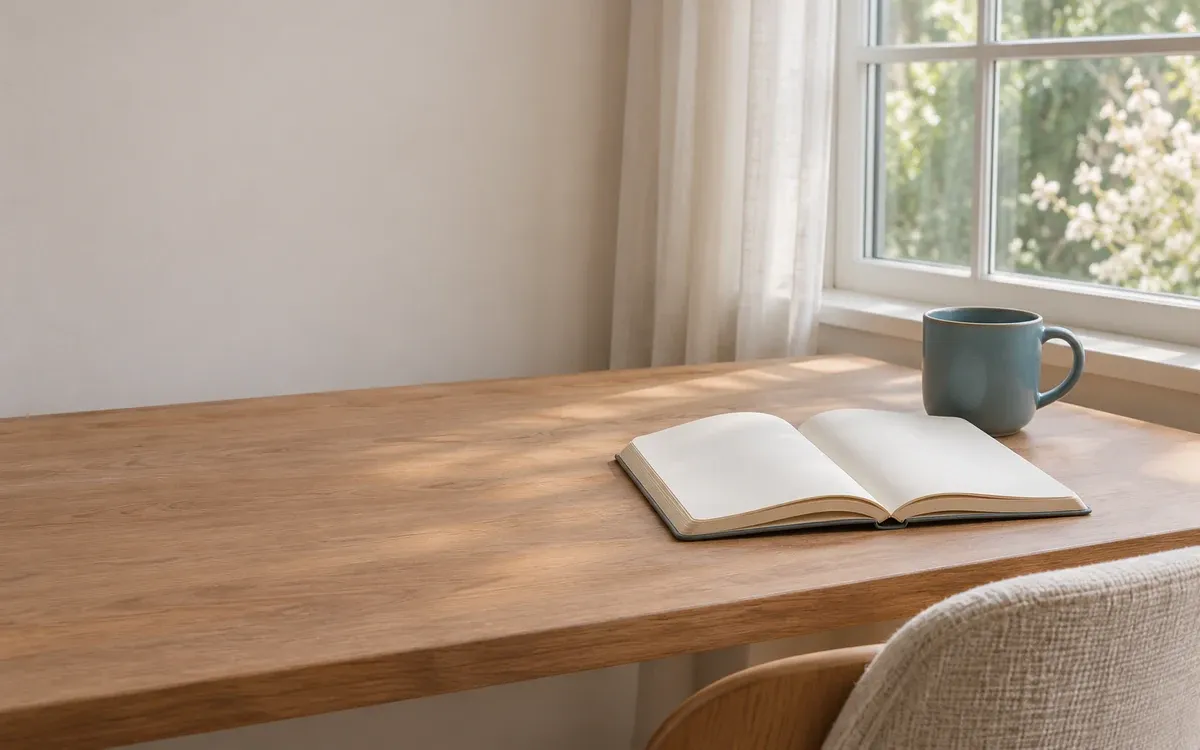
Choose one visual style you can recognize. Avoid piling up “cinematic,” “minimal,” “surreal,” and “photorealistic” unless you can explain how they should work together. If the tool has a reference-image feature, check its instructions and use a reference you have permission to upload.
Change one thing you can judge
Compare the image with the brief. If the scene is right but the crop is too tight, ask for a wider view. If the colors are too bright, name the surfaces that should change. Keep the subject, setting, and composition stable while you adjust the part that needs work.
For example: “Keep the desk and object positions. Change the bright yellow cup to muted blue.” This gives the next request a specific job. A fresh list of style adjectives makes it harder to see which change helped.
Check the image at its final size
Inspect edges, repeated objects, reflections, and any visible lettering. Then view the image where it will appear: a flaw hidden in a large preview may become distracting in a small cover. Check the tool's current usage terms before publishing, especially when the brief involves people, brands, or work made by someone else.
If the project needs movement, turn the approved composition into a brief for one video shot rather than adding a whole story to the image prompt.