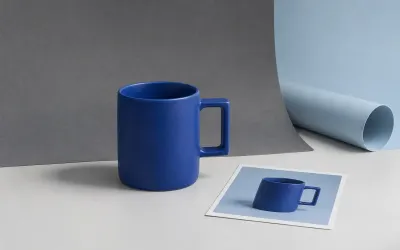
Replace a product-photo background with ChatGPT
Replace the scene around a real product photo, check the details against the original, and choose a separate product layer when accuracy needs tighter control.
Turn a visual idea into a clear brief. Describe the subject, composition, and light, then review the result.
Replace the scene around a real product photo, check the details against the original, and choose a separate product layer when accuracy needs tighter control.
Give ChatGPT approved wording, inspect the actual letters and layout, correct a phrase, or add exact copy in a separate editable text layer.
Request a transparent image in ChatGPT, check the downloaded file over light and dark backgrounds, and fix white boxes, checkerboards or edge defects.
Choose an image workflow by the details that must stay correct, the visual direction you want, and the editing, cost, and privacy controls you need.
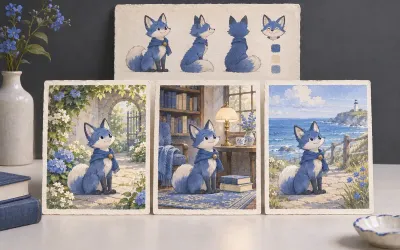
Keep an approved character design across new scenes, with reference-image steps, specific continuity checks, and a way to repair and save the series.
Tune source-image redraw with a controlled comparison, separate resize drift from denoising, and check the step behavior in your interface.
Choose a compatible control map and model, then follow the official ComfyUI scribble workflow or use your existing A1111 setup.
Stable Diffusion supplies the model; ComfyUI runs its workflow. Choose between nodes, templates, and familiar controls, with compatibility and cost checks.
Check the service terms, reference permissions, output risks, and client promises before using an AI image in commercial work.
Borrow a visual style in Midjourney, keep the new subject clear, and save the model and style settings needed to reuse the look.
Enlarge an existing AI image, choose the right scale factor, and reject changes to faces, lettering, and fine details before using the export.
Choose the right image shape, protect the subject through the final crop, and check both the downloaded file and the layout where it appears.