

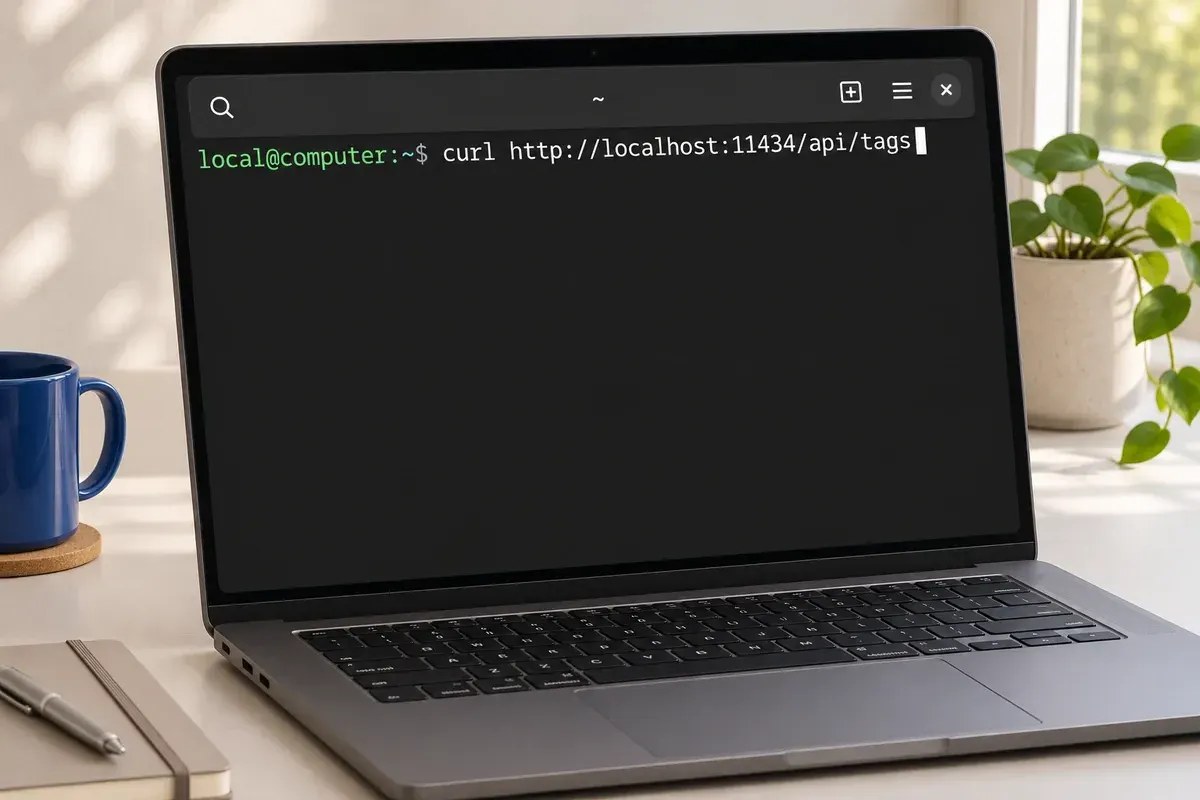
For a local Ollama connection, the server address is http://localhost:11434. An app using Ollama's native API may ask for the base ending in /api; an OpenAI-compatible client normally uses http://localhost:11434/v1. Match the address to the app's provider setting.
Choose the address your client expects
The official API introduction lists separate local base URLs:
| Field or client | Address |
|---|---|
| Ollama server host | http://localhost:11434 |
| Native API base | http://localhost:11434/api |
| OpenAI-compatible base | http://localhost:11434/v1 |
Read the app's field description before appending a path. If it adds /api/chat itself, giving it a base that already ends with /api may produce a doubled path.
Check the server independently of the app
In PowerShell, request the local model inventory endpoint:
Invoke-RestMethod -Uri 'http://localhost:11434/api/tags'For macOS or Linux:
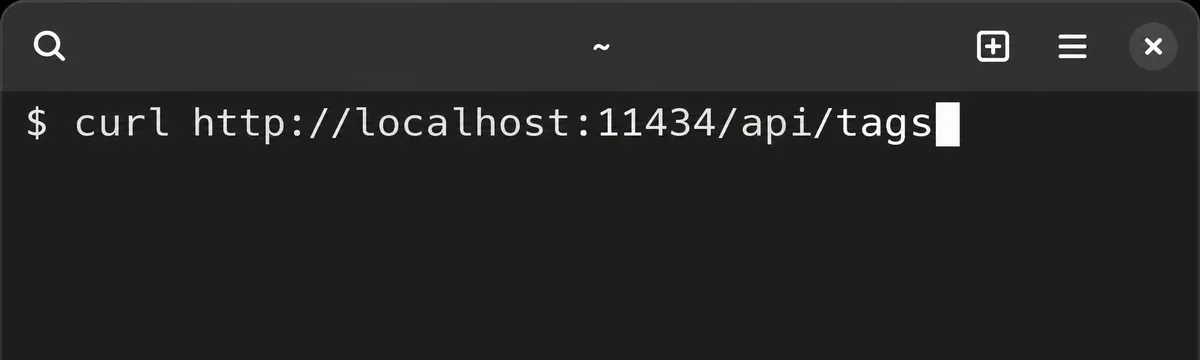
curl http://localhost:11434/api/tagsA returned model inventory establishes a connection to that endpoint. It doesn't prove that an app has the correct provider or model name configured. Use a complete name from your installed-model list.
Keep track of which computer makes the request
localhost means the machine or environment making the request. Inside a container, it refers to that container; on another computer, it refers to that other computer. Changing the URL alone does not establish a route between them.
Ollama binds to the loopback address by default, and its local API does not require authentication. I'd keep that default for an app on the same computer. Don't expose the unauthenticated service to the internet to fix a local connection.
If the app reports an unsupported feature after connecting, compare the client and server versions before changing the address again.