

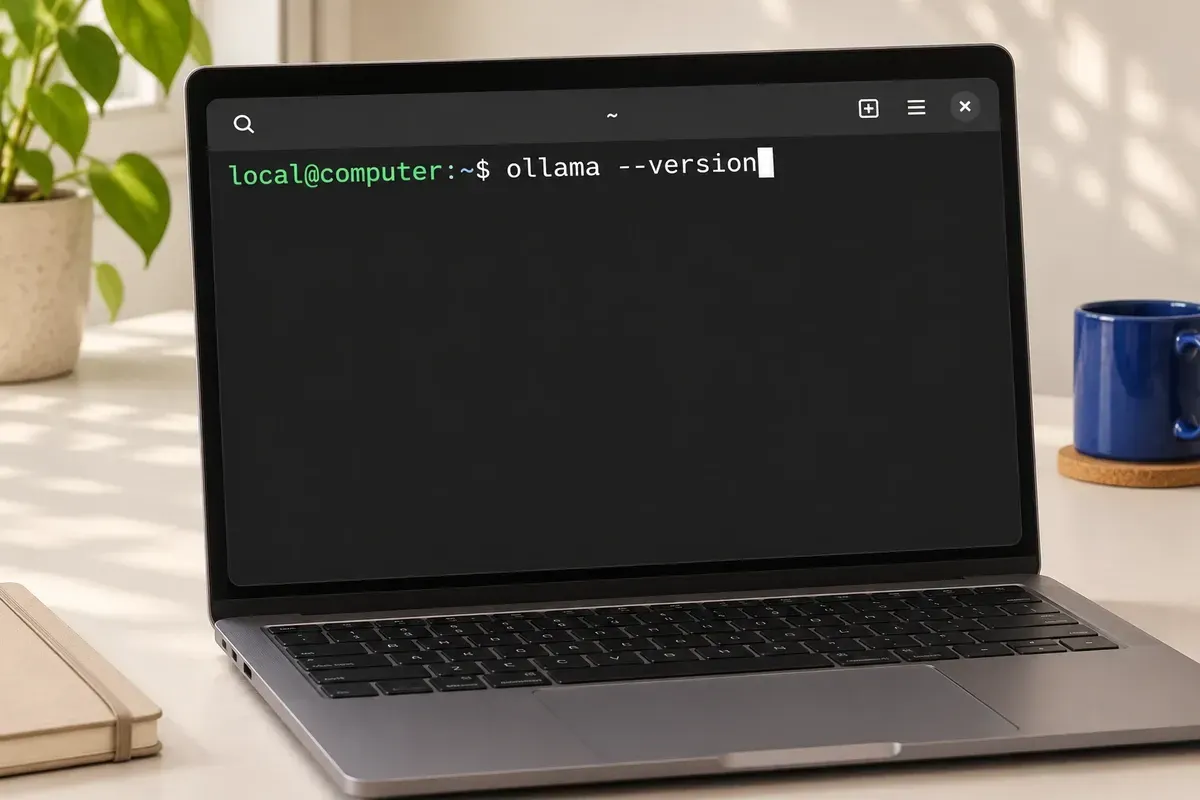
Run ollama --version. When Ollama can reach its server, the command reports that server's version and prints a client-version warning if the two differ. To check the server your app connects to directly, request its /api/version endpoint.
Read the command's version and warning
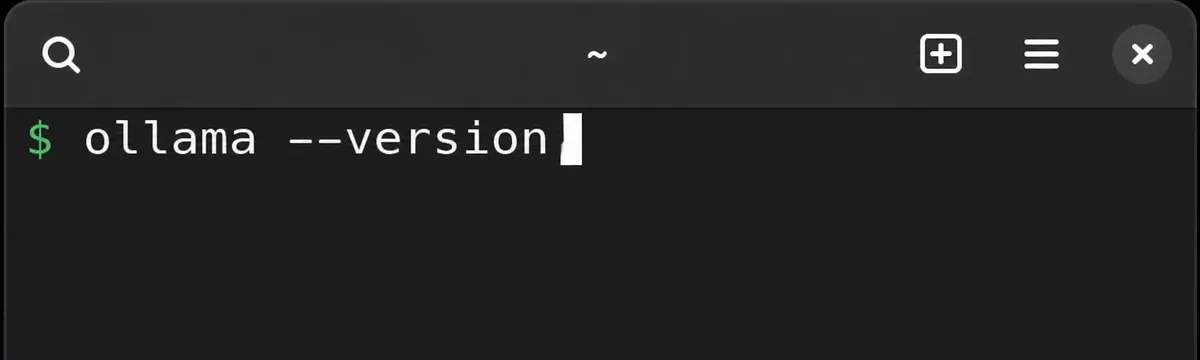
ollama --versionThe CLI's version handler checks the server and compares it with the client. A line beginning ollama version is identifies the responding server. A line beginning Warning: client version is identifies a mismatch. If the versions match, the client-warning line is absent.
If the server cannot be reached, the command reports a connection warning and can still identify the client's version. A command-not-found error is a different problem: your terminal has not found the executable.
Check the server version
Ollama provides a server version endpoint. In PowerShell:
Invoke-RestMethod -Uri 'http://localhost:11434/api/version'In macOS Terminal or a Linux shell:
curl http://localhost:11434/api/versionRead the version value returned by the server. This example uses the default local address. If your app connects elsewhere, check that address instead; otherwise you may compare a local client with the wrong server.
Interpret the two checks
When the CLI reports no client mismatch and the API returns the same server version, the checks agree on that instance. This doesn't establish compatibility with every model or integration, but it removes one possible mismatch.
For an older server, finish active work and restart the Ollama application after applying its update. The desktop update instructions use Restart to update on Windows and macOS. Updating a model with pull does not update the server application.
When the API request cannot connect, I check that Ollama is running before changing model files. Confirm the server address and provider path, especially when another app or container makes the request.
To inspect which models that server has, use the model inventory commands. To refresh model files rather than the application, follow the model update procedure.