

Use ollama ls to list downloaded Ollama models and ollama ps to see which models are loaded. These lists answer different questions: a downloaded model can be idle, and an idle model can stay on disk for your next conversation.
List models installed on this server
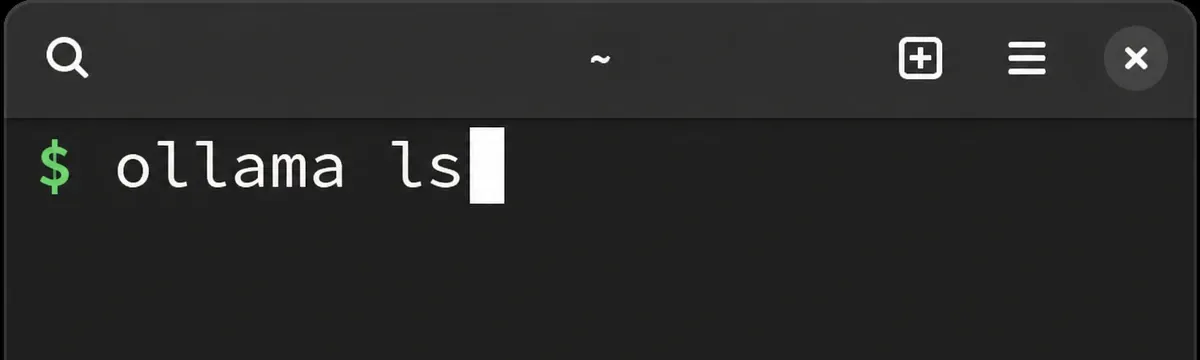
ollama lsThe CLI reference names ollama ls as the model listing command. Read the complete model name and tag before choosing a model for another app or deleting a download.
This list belongs to the server your Ollama client is using. If you have changed OLLAMA_HOST, you may be looking at another server's inventory. Check the local connection address before treating an unexpected list as a lost download.
Check what is loaded in memory
ollama psThe running-model command shows loaded models. An empty running list does not mean that your downloaded models were deleted.
I check ls first when choosing a model and ps when investigating memory use. That avoids downloading a second copy merely because the first model isn't currently loaded.
Get the inventory through the API
For an application that needs a structured list, the local GET /api/tags endpoint returns model names and details. In PowerShell:
Invoke-RestMethod -Uri 'http://localhost:11434/api/tags'In macOS Terminal or a Linux shell, the equivalent request is:
curl http://localhost:11434/api/tagsThese examples query the default server on this computer. If your CLI uses a different host or port, replace the request's base address with that same server address before comparing inventories; curl and Invoke-RestMethod don't read OLLAMA_HOST for you. If the request cannot connect, confirm that Ollama is running at the chosen address. The endpoint lists that server's available models, not every model in the online library.
For a model you don't have yet, download its exact tag. To remove an installed model, use the single-model removal command.