

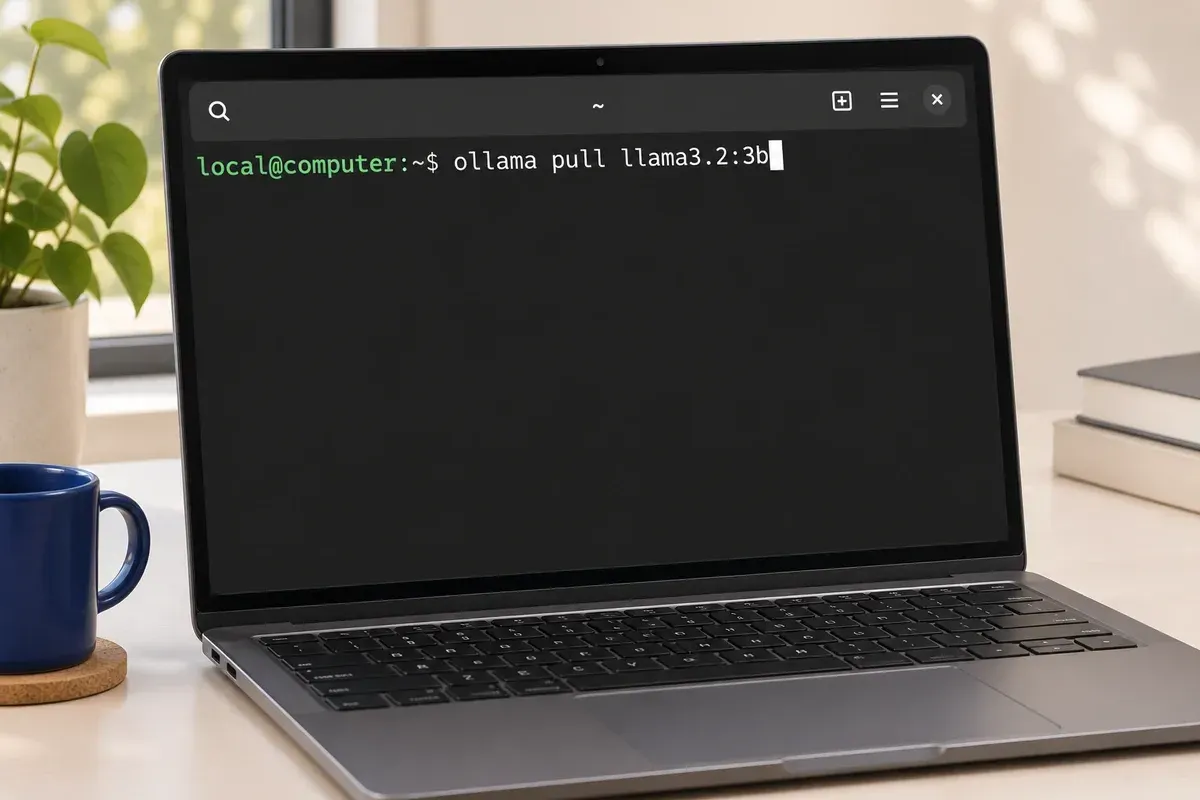
Run ollama pull MODEL:TAG again to refresh a downloaded model from the library. Updating the Ollama application is a separate operation. Keep the full tag the same if you intend to refresh your existing choice rather than switch to another variant.
Check the installed tag
ollama lsCopy the model name from the installed list. Check the corresponding library page for changes that matter to your work, including the license and model description. Don't assume that a familiar tag always points to an unchanged artifact.
Pull the same tag again
Use the documented model download command with the tag you already have. For the explicit Llama 3.2 3B tag:
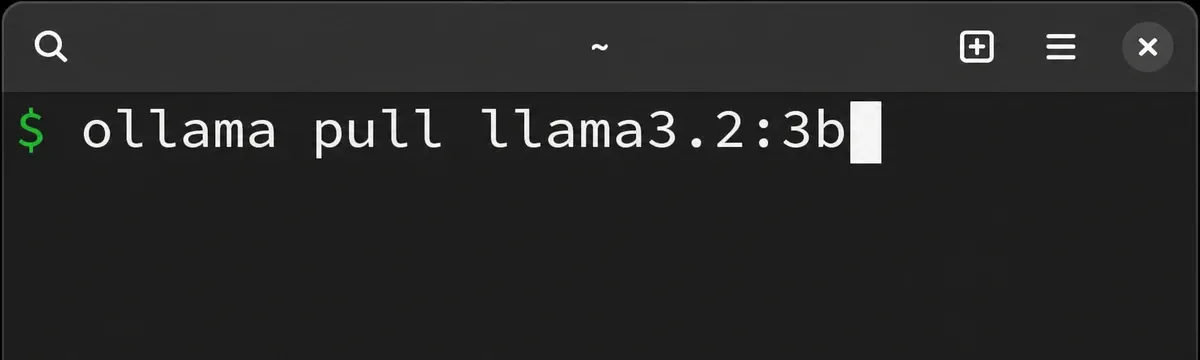
ollama pull llama3.2:3b
ollama ls
Wait for the pull to finish. If the tag hasn't changed upstream, refreshing it doesn't give you a different model just because you ran the command again.
Keep a note of the model ID before an update when a workflow depends on repeatable behavior. The model inventory API also exposes the model digest. A tag is a convenient name; the digest identifies the downloaded artifact more precisely.
Start a fresh model session
Finish any work that uses the model, then unload it and start a new session with the same tag:
ollama stop llama3.2:3b
ollama run llama3.2:3b
Review an answer to a familiar task before returning the model to an automated workflow. A successful download doesn't establish that a changed model gives the same answers.
Keep application updates separate
The application upgrade instructions describe automatic update downloads on Windows and macOS and a different update route on Linux. Pulling a model does not update that application.
If the application and command line report different versions, use the client and server version checks. For a different model size, follow the download procedure with the new tag.