

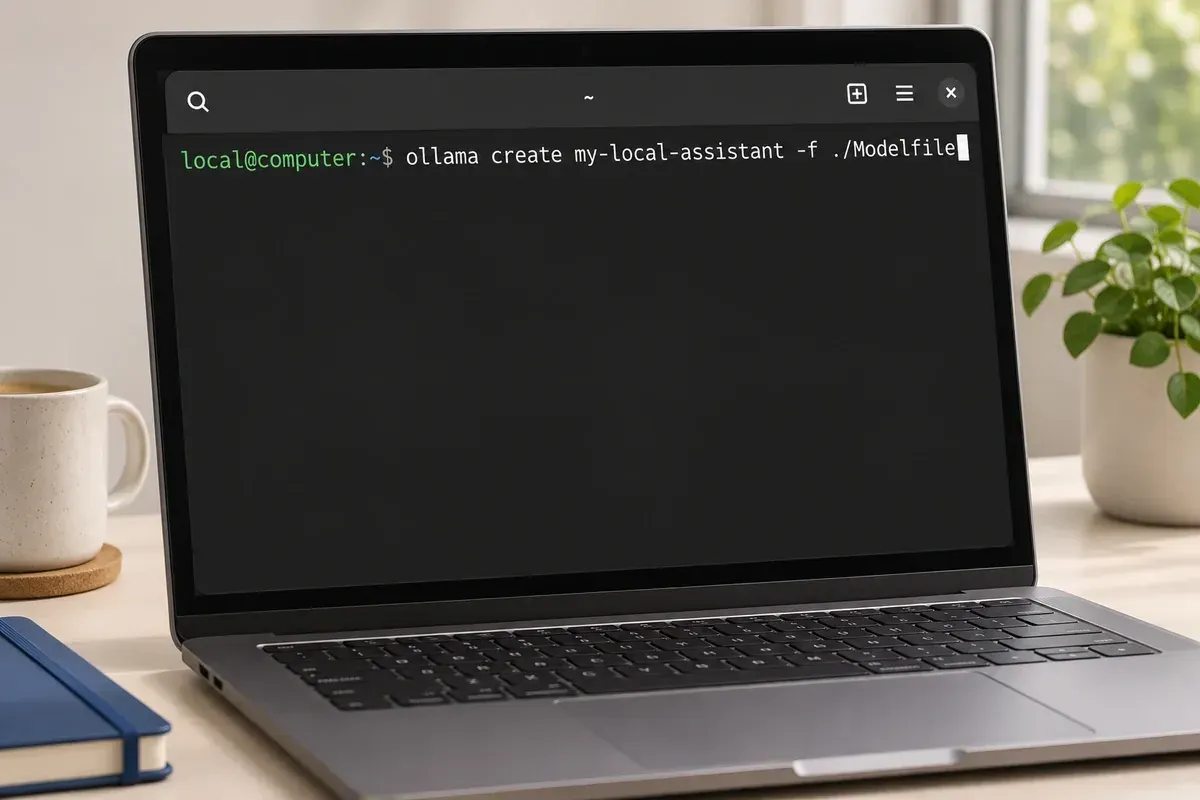
Save your model settings in a file named Modelfile, then run ollama create my-local-assistant -f ./Modelfile from that folder. The name after create becomes the model you run. Start with an existing base model and a new name so you can keep its original configuration separate.
Choose the base model and an unused name
You need a running Ollama server, a terminal and a plain-text editor. These commands work in PowerShell, macOS Terminal and a Linux shell. The example below uses the Llama 3.2 3B model tag; choose a different installed tag if that suits your computer better.
ollama lsCheck the exact base-model name and make sure my-local-assistant isn't already a model you want to preserve. If the base tag is missing, download that model first. Keep the same explicit tag in the file so you know which model the configuration starts from.
Save a small Modelfile
Create a plain-text file containing:
FROM llama3.2:3b
PARAMETER temperature 0.4
PARAMETER num_predict 256
SYSTEM """Answer in plain English. Keep explanations concise.
If a question is ambiguous, ask one clarifying question."""
Save it as Modelfile in a folder you can open in your terminal. On Windows, check the actual filename: an editor may append .txt. If the file is called Modelfile.txt, either rename it or use that exact filename after -f.
The FROM instruction selects the base model. SYSTEM supplies the system message where the model's template supports it. It guides responses; it doesn't guarantee that the model will obey every instruction.
The two PARAMETER settings control generation: temperature adjusts sampling, while num_predict limits generated tokens. The values here are examples, not a claim that they are optimal for every task. A token limit is not a word limit.
Create the named model
Open a terminal in the folder containing the file and run:
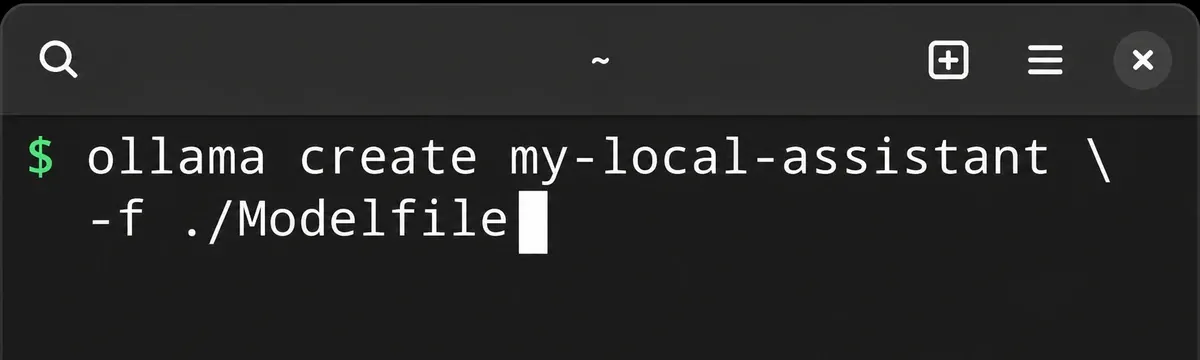
ollama create my-local-assistant -f ./ModelfileOllama's documented creation sequence takes the new name after create and the file location after -f. If the file is elsewhere, provide its path instead; put a path containing spaces in quotes. Keep the model name unchanged between the commands below.
This example builds a configuration from existing model weights. It doesn't fine-tune the model or teach it new facts. Leave TEMPLATE out unless you have a specific reason to change the model's prompt format; its syntax can depend on the model.
Inspect the result, then run it
ollama ls
ollama show --modelfile my-local-assistant
ollama run my-local-assistant
Look for the new name in the inventory. Use show --modelfile to inspect its configuration, including the system message and parameters. Ollama may display a resolved blob path in FROM; its own example shows this, so that path alone does not mean you chose the wrong base.
Ask a short question and check whether the response follows the intended style. If you edit the text file later, run the create command again to apply it to the named model. Editing the file alone doesn't update an already created configuration.
If the name is missing, check whether create reported a file or base-model error. If another application cannot see a model that your terminal lists, compare their Ollama server addresses before rebuilding anything. Each server has its own inventory.