

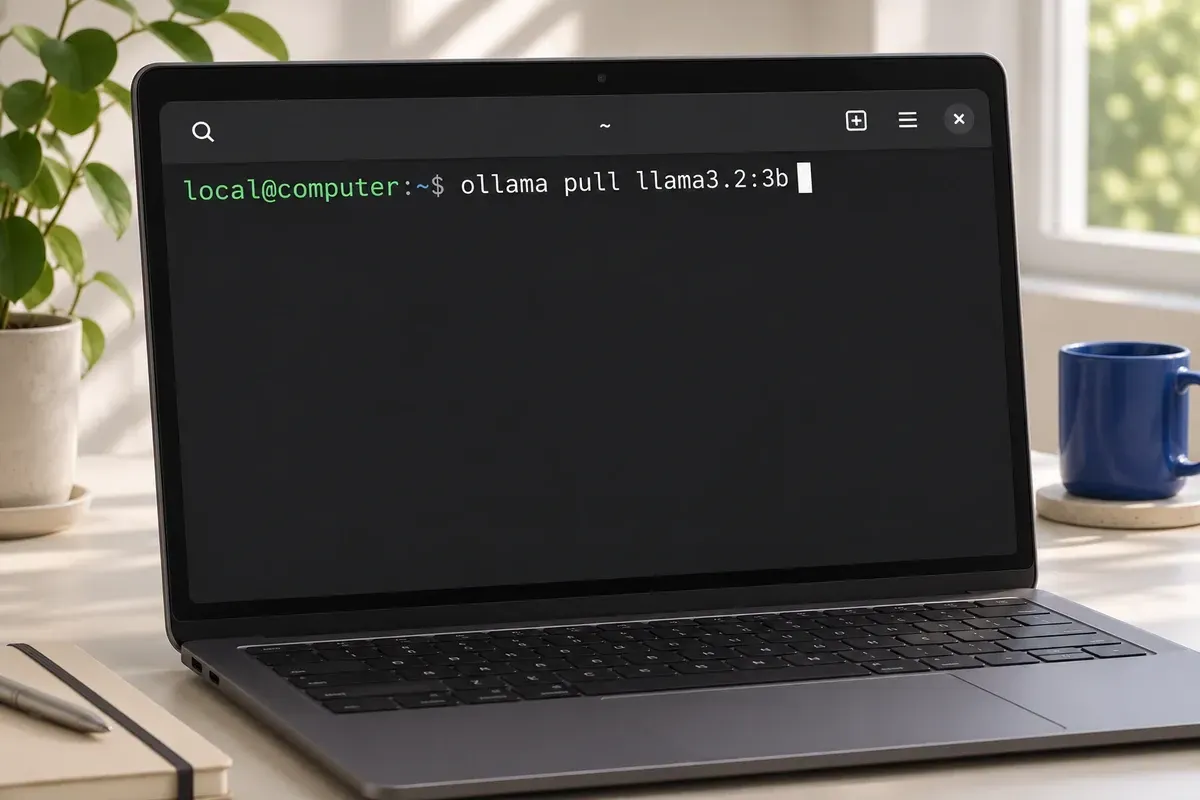
Download a local model with ollama pull MODEL:TAG, then check it with ollama ls. Use an explicit local tag so you can identify the size you chose. Downloading the files and loading the model into memory are separate actions.
Choose the model before downloading
Start with the model's page in the Ollama library. Check its supported tasks, license and available tags. For example, the Llama 3.2 3B listing identifies the variant used in the commands below.
The download size is not a complete estimate of runtime memory. Conversation context and the application's own work also use memory. I'd choose a modest variant for the first download instead of selecting the largest parameter count.
Download and check the name
With Ollama installed and running, enter:
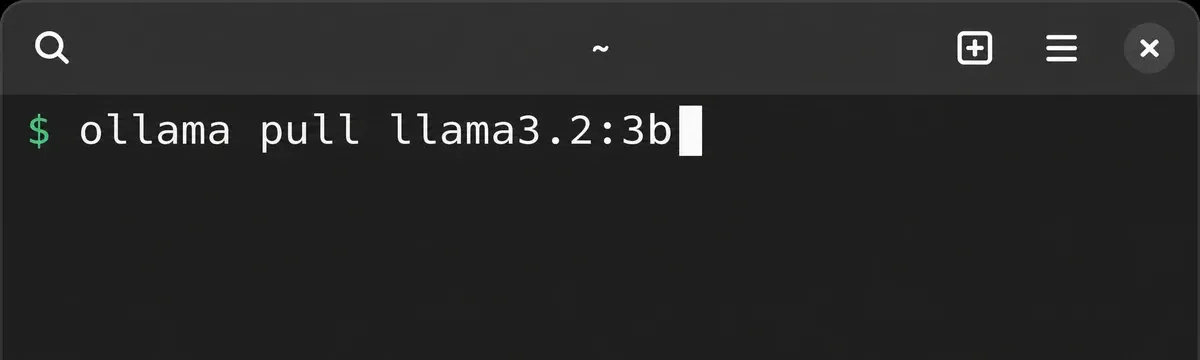
ollama pull llama3.2:3b
ollama ls
The documented pull command downloads a model without opening a conversation. Wait for it to complete before checking the installed-model list. A matching name in ls is the next check; don't expect the model to appear in the running-model list yet.
Load it when you're ready
ollama run llama3.2:3bThe run command opens a session with that model. Give it a small, inspectable task, such as rewriting one paragraph. Review its answer before using it.
If you want to confirm that the model is loaded, open another terminal and run ollama ps. Use the distinction between installed and running models to interpret what you see.
Downloading requires a network connection. If you need to refresh the same tag later, use the model update procedure. If you chose the wrong size, remove that specific download before starting another.