LM Studio vs Ollama for a first local AI setup
Choose the first workflow your computer and client support, then distinguish the downloaded file, loaded model and actual request destination.
Download, inspect, configure, update and remove local models. Start with the installed-model list, then choose an action. Create a named configuration with a Modelfile, find downloaded files or control model memory. Unloading frees working memory; removing deletes a download.
Choose the first workflow your computer and client support, then distinguish the downloaded file, loaded model and actual request destination.
Choose the controls your workload needs, then compare the same model and settings instead of inheriting an old universal speed claim.
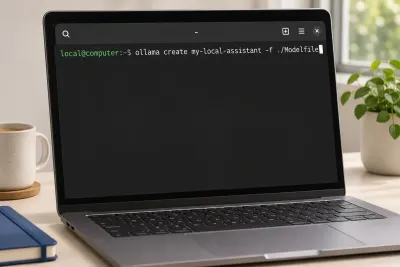
Create a named Ollama model from an existing tag, set its system message and generation parameters, then inspect the saved configuration.
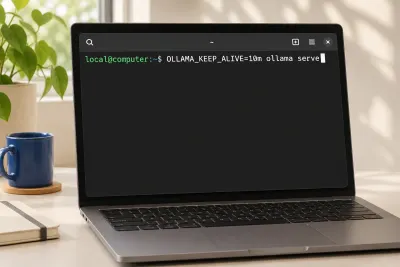
Unload a model with ollama stop, set a server retention period and understand when a request overrides OLLAMA_KEEP_ALIVE.
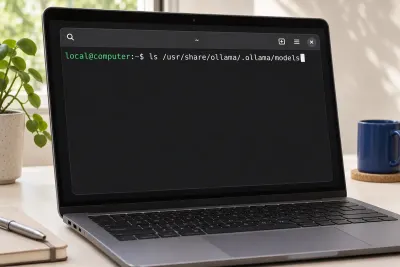
Find the default model folder for your installation and check whether OLLAMA_MODELS points the running server somewhere else.
Pull the same model tag again, check its identity and reload it. Keep model downloads separate from Ollama application updates.
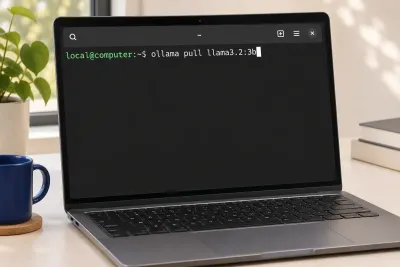
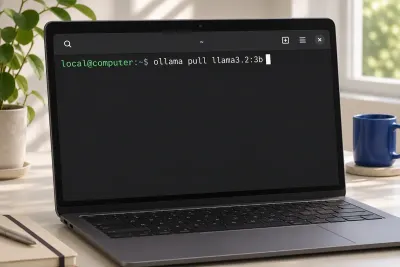
Choose a local model tag, download it with ollama pull and check the installed list before opening a conversation.
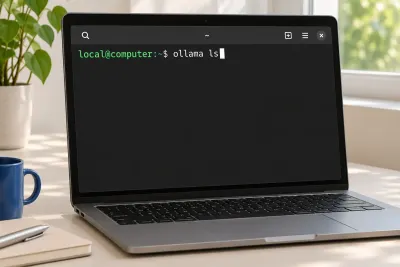
Use ollama ls for downloaded models and ollama ps for loaded models. Check the same inventory through the local API.
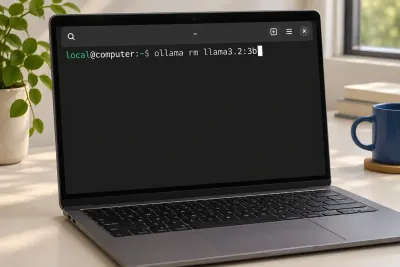
Remove one downloaded model by its exact tag, verify the result and use stop when you only need to release memory.