

Confirm the target server and keep the files needed to recreate any custom model. Then run ollama ls, copy the exact model name, then run ollama rm MODEL:TAG. In PowerShell, macOS Terminal and a Linux shell, the Ollama command is the same. This removes a downloaded model; ollama stop only unloads it from memory.
Check the name before deleting
Open a terminal and confirm that the Ollama client points to the server whose models you intend to remove. If you've changed OLLAMA_HOST, the commands can act on that other server. The Ollama model listing command shows installed names and tags:
ollama lsCopy the complete name, including the part after the colon. Different tags can represent different sizes or versions. If you only want to free working memory, leave the download in place and use the unloading command below.
Remove that model
Deletion removes the selected model from that server. Before removing a custom model, keep its Modelfile and any source weights or adapters needed to recreate it; a custom name may not exist in the online library. You can download a library model again by its tag. This example targets the explicit Llama 3.2 3B variant; replace it with a name from your own list.
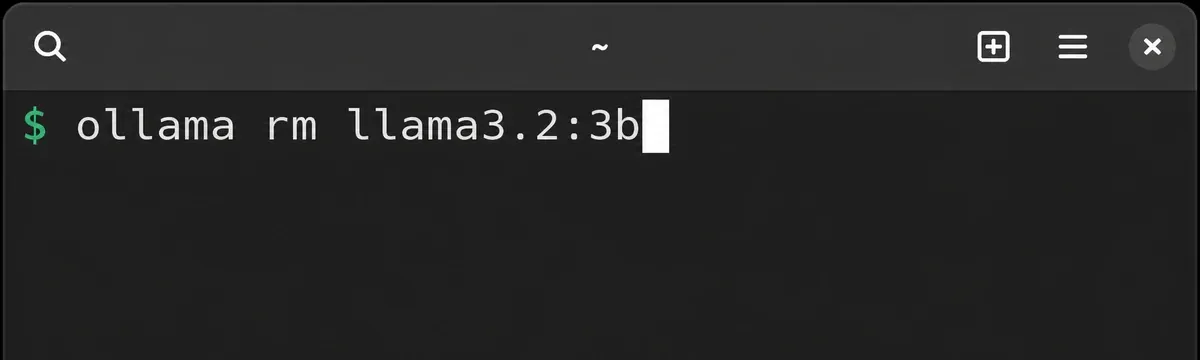
ollama rm llama3.2:3b
ollama ls
The second command checks that the selected name has disappeared. Ollama documents removing a model with ollama rm; you don't need to open the model directory or delete unfamiliar files by hand.
Don't turn this into a command that removes every model unless that is your intended result. Selecting one exact name keeps the action easy to check.
Unload it without deleting the download
My choice for releasing memory is stop. It keeps the downloaded model available for the next session:
ollama stop llama3.2:3b
ollama ps
The running-model list serves a different purpose from ollama ls. A model can disappear from ps while remaining in ls.
If you removed a library model by mistake, use its exact tag in the model download command. To check what remains on disk, return to the installed-model list.