

Use ollama stop MODEL:TAG to unload a model now. To change how long models remain loaded between requests, configure OLLAMA_KEEP_ALIVE; an API request's keep_alive value takes precedence. Unloading keeps the downloaded files.
Release the running model
ollama ps
ollama stop llama3.2:3b
ollama ps
Replace the example tag with a name in your running list. The final check shows whether it has unloaded. The Ollama memory-retention instructions distinguish immediate unloading from the default five-minute retention period.
My default is to use stop when another application needs the memory. Removing the downloaded model is unnecessary for this task.
Set a retention period for a manually started server
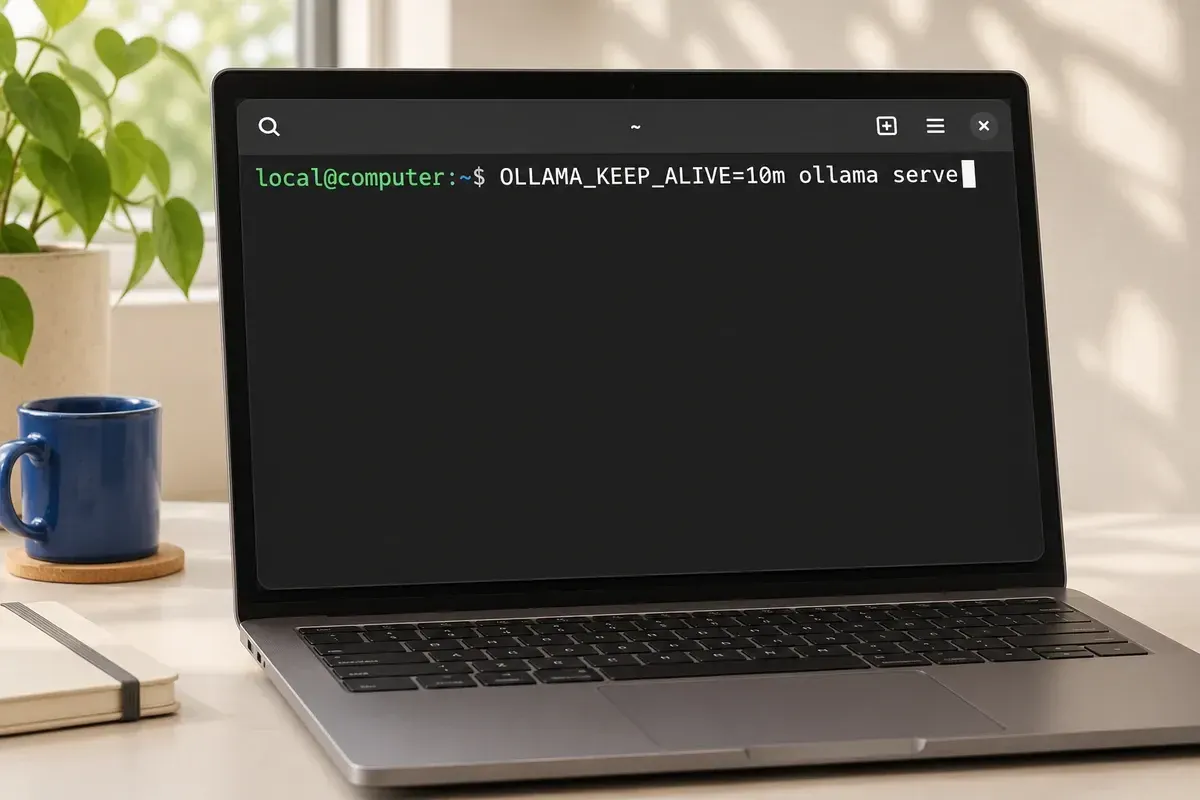
Stop the existing server before using either example below; don't start a second server on an occupied address. For a manual server on macOS or Linux, this shell command sets ten minutes:
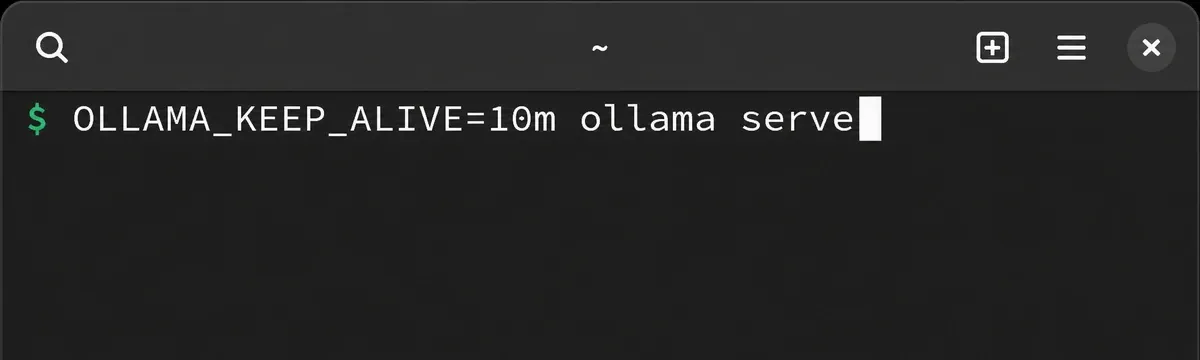
OLLAMA_KEEP_ALIVE=10m ollama serveFor a manually started server in PowerShell:
$env:OLLAMA_KEEP_ALIVE = '10m'
ollama serve
If you normally use the desktop app or a systemd service, follow the platform-specific environment configuration so the setting reaches that process, then restart it.
Read a request's override correctly
Ollama accepts durations such as 10m, a number of seconds, a negative value to keep a model loaded, or 0 to unload it after the request. The per-request keep_alive setting overrides the server default.
A negative duration disables the usual expiry, but it isn't a permanent memory reservation. Ollama can unload an idle model to make room for another model when memory is insufficient. Choose indefinite retention only when keeping that model ready is worth the memory cost; it doesn't make the answers more accurate.
Use the running-model list to inspect the result. If your goal is disk space instead, use the model removal command.