

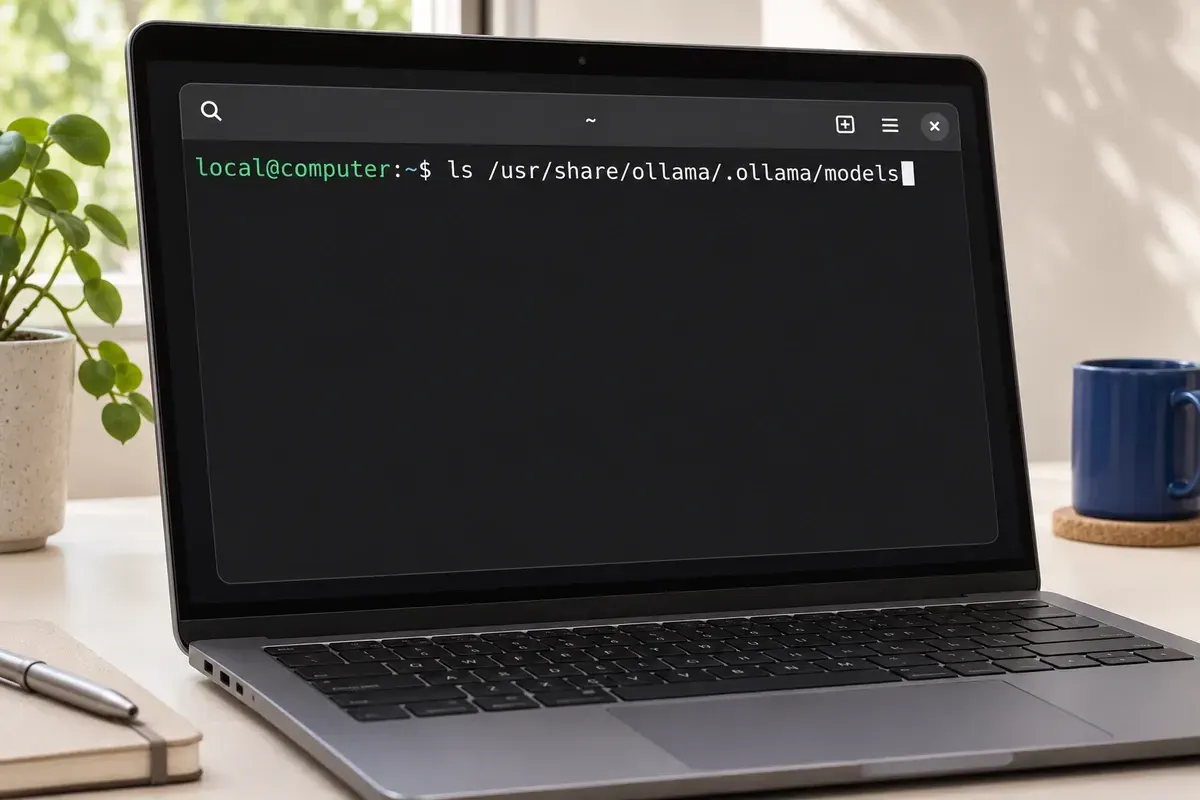
Ollama's default model folder is ~/.ollama/models on macOS, %USERPROFILE%\.ollama\models on Windows, and /usr/share/ollama/.ollama/models for the standard Linux service. A custom OLLAMA_MODELS value changes the location, so check that setting before assuming files are missing.
Find the default folder
The official storage locations distinguish the desktop user folders from the Linux service directory:
| Installation | Folder |
|---|---|
| Windows desktop | %USERPROFILE%\.ollama\models |
| macOS desktop | ~/.ollama/models |
| Standard Linux service | /usr/share/ollama/.ollama/models |
On Windows, paste the user-profile path into File Explorer's address bar. On macOS, use Finder's Go to Folder action. A manually started Linux server can run under a different account from the standard service; use the server's account and environment when checking its storage.
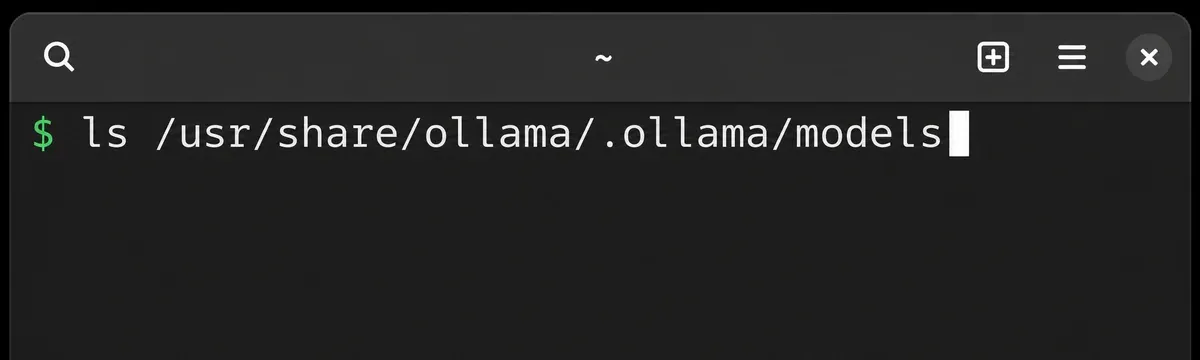
For the standard Linux service, a read-only directory check is:
ls /usr/share/ollama/.ollama/modelsThis checks that directory, not the active model inventory. A permission error doesn't prove the files are missing; don't change ownership just to inspect them. A server started under your own account may use a different folder.
Check whether the server uses another location
OLLAMA_MODELS selects a different directory. It has to reach the Ollama server process. A variable in a terminal is not proof that an already running desktop application or system service inherited the same value.
For Windows, the configuration instructions require quitting Ollama, changing the user environment variable and restarting the application. A Linux systemd installation needs configuration on the service. This page helps you locate existing files; changing the storage directory and migrating files is a separate task.
Use the inventory before changing files
ollama lsI use the installed-model list to identify models rather than guessing from the files inside the storage folder. To free space, remove one model by its exact name. Don't remove the entire folder merely because individual filenames are unfamiliar.